Reprinting Horse Health Declaration
If you forgot to print your Horse Health Declaration (HHD) at the time of nominating for an event you can easily reprint the document. Using the online version of the HHD saves time and effort as some of the details for the event are already included on the form.
To print a copy of the HHD:
- Log into your AERA Online Account.
- Navigate to the My History page.
-
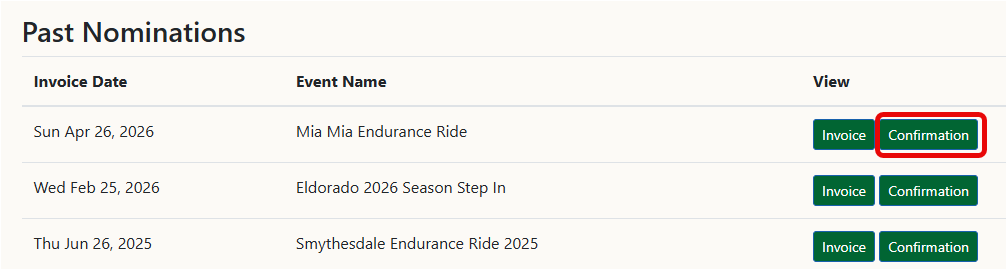
For the required ride select the Confirmation button
-
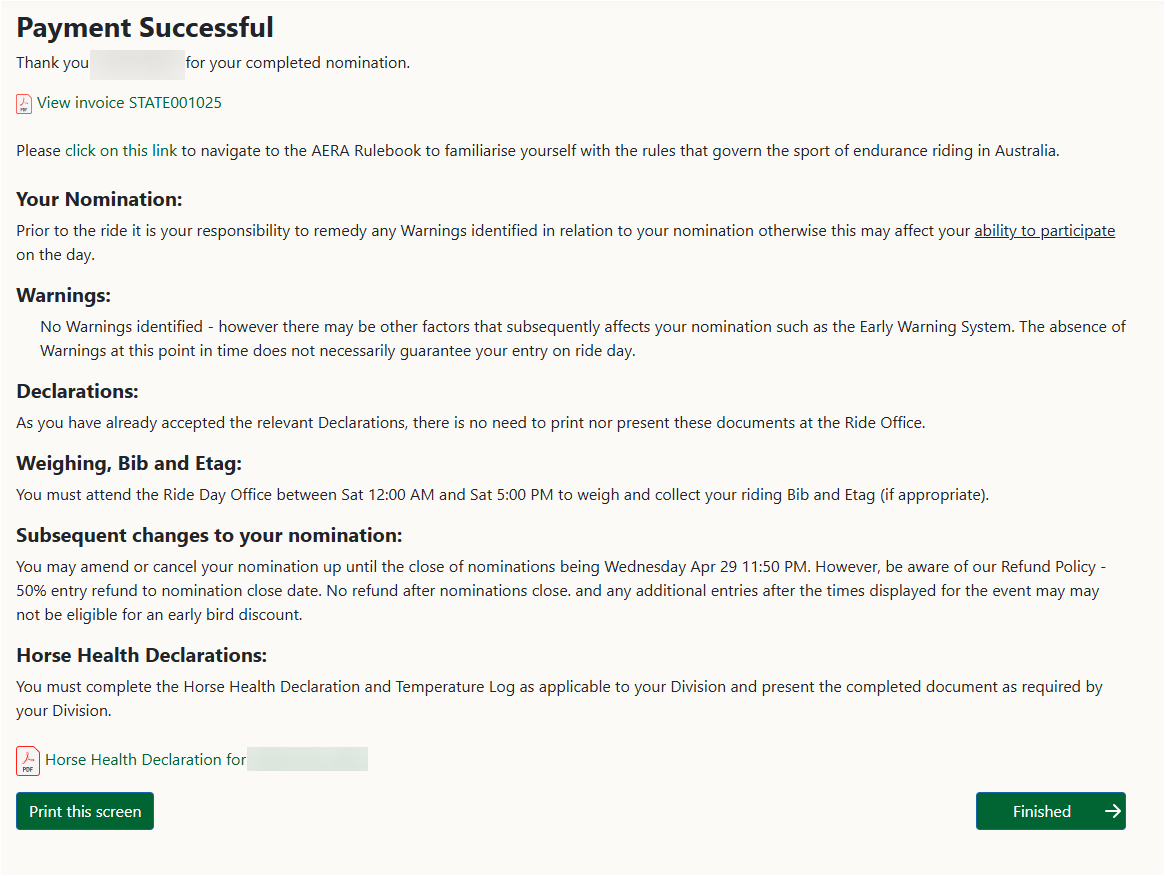
Click on the HHD link at the bottom left of the screen which will open the pdf version of the form.
- Print the form or edit the pdf as required.